




























Running DOOM on PCs is now easier than ever, thanks to the release of a rather capable PC port on Steam. This port by Nightdive Studios is decent enough, but lacks a lot of the extra functionality you’d get from an unofficial port.
DOOM has way too many ports to keep track of, and that’s just on PC. Keeping track of everything amid the endless sea of PC ports is daunting. It’s easy to get lost in the wilderness unless you know exactly where to look.
UZDoom
Best modding and feature support
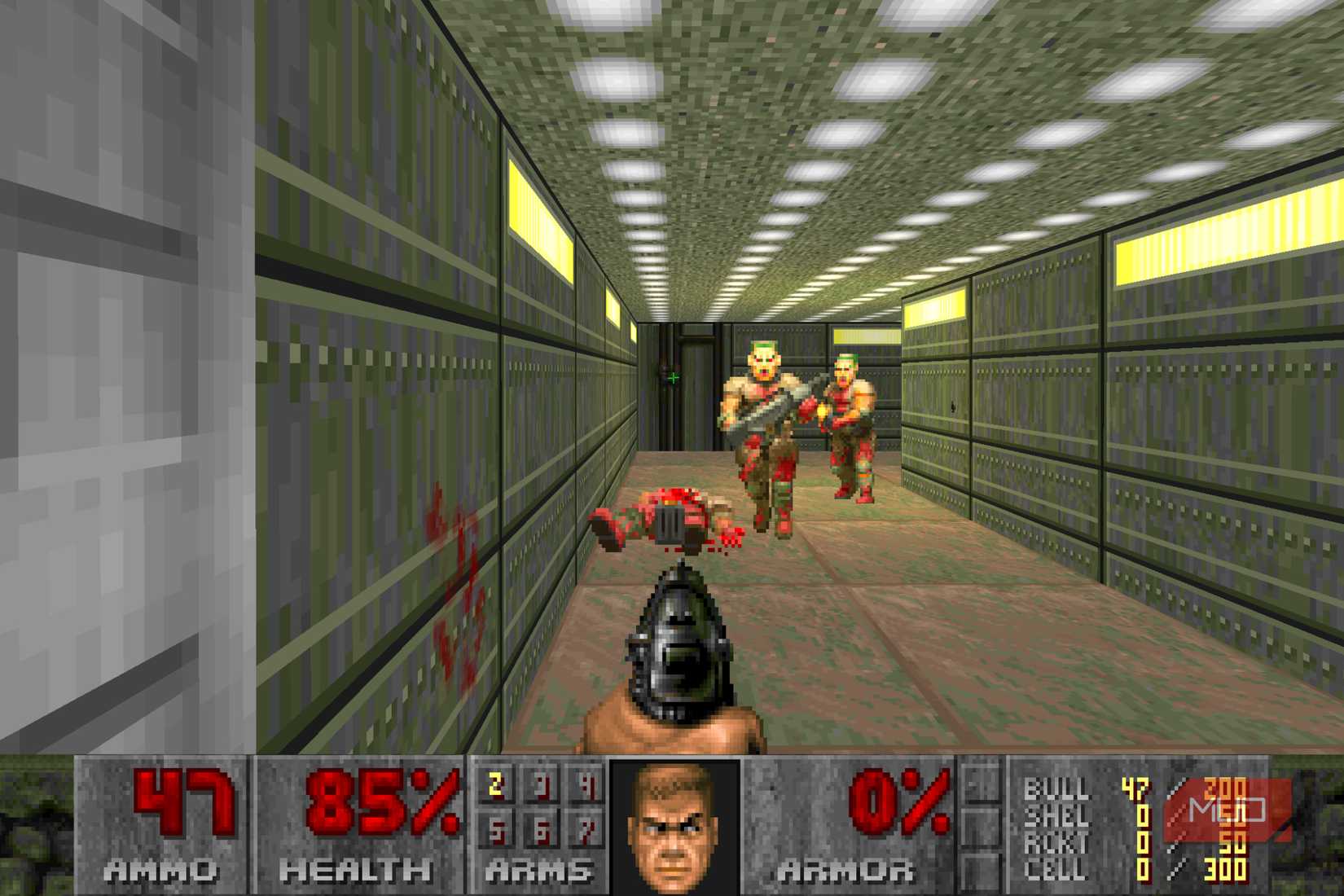
If you’re looking for a good place to start playing DOOM on your PC, UZDoom is likely the best option there is. It’s a very custom build of DOOM with support for modern rendering and upscaling techniques.
And it does pull it off — UZDoom looks and plays fantastically. It also offers extensive modding support, and there have been some rather funky DOOM mods over the years (MyHouse.wad, anyone?).
Interestingly, the AppImage bundle for UZDoom seemed to bundle all the base WAD files I needed. This makes it the easiest way to jump into playing DOOM (bar the Steam port from Nightdive Studios), and it features all the other levels from both DOOM and DOOM II. It also features jumping, which I can never get used to. It can be turned off, which helps.
DSDA-Doom
Nuanced, with minimal changes and a focus on speedrunning
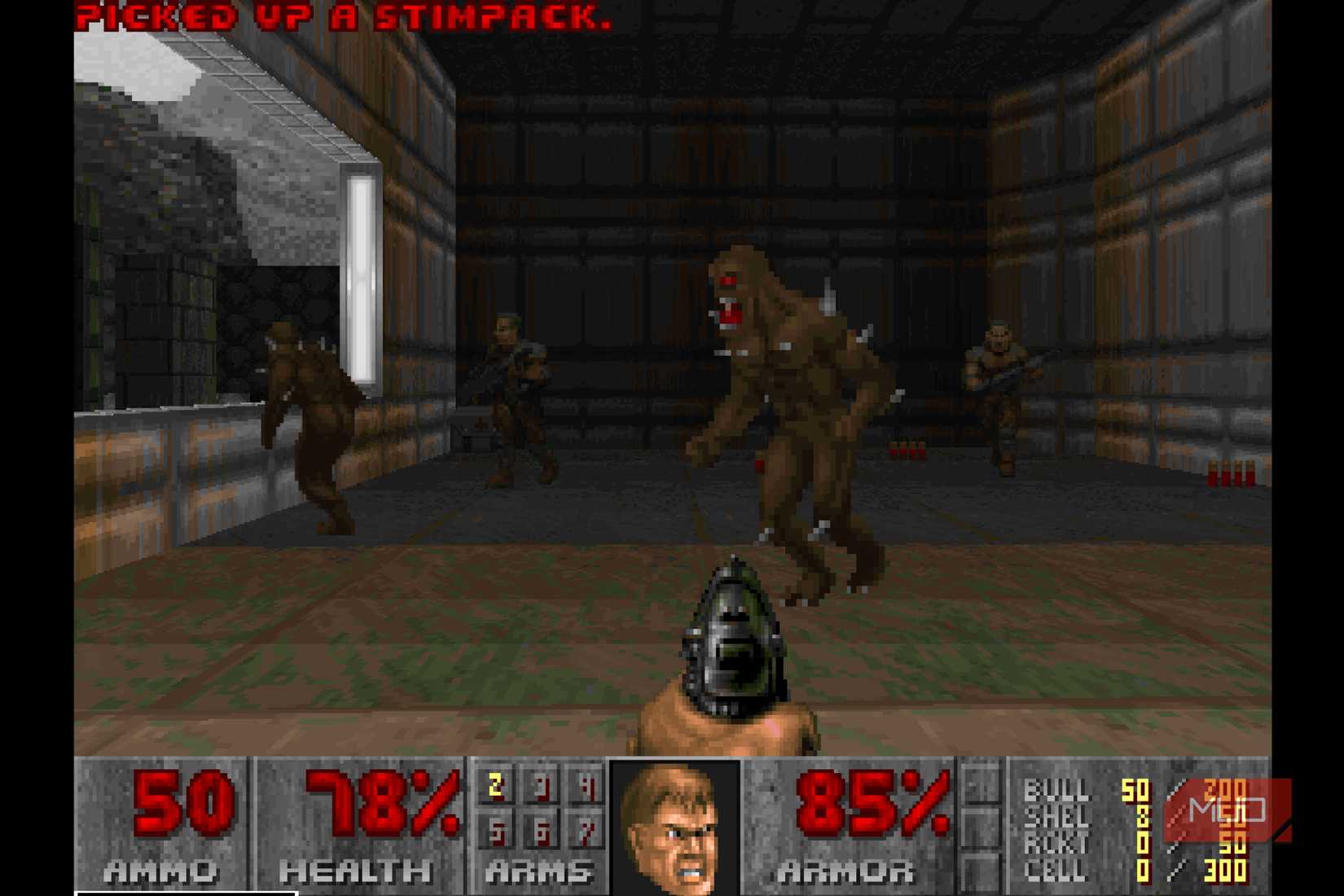
DSDA-Doom is a successor to prboom+, with a focus on speedrunning. It also comes with built-in mod support for most major WADs, along with a rather interesting rewind feature. As the name implies, rewind lets you quite literally turn back time.
It’s commonly used in speedrunning to retry areas without restarting the whole map, and this is a common theme you’ll come to notice with DSDA-Doom. There’s support for recording demos, but these are tweaked to comply with the Doom Speed Demo Archive rules.
Otherwise, it’s a very classic port of DOOM, and one that has minimal changes. Yes, there are a few customization options, but they’re optional. It also has Hexen support.
Woof!
One of the more interesting DOOM ports
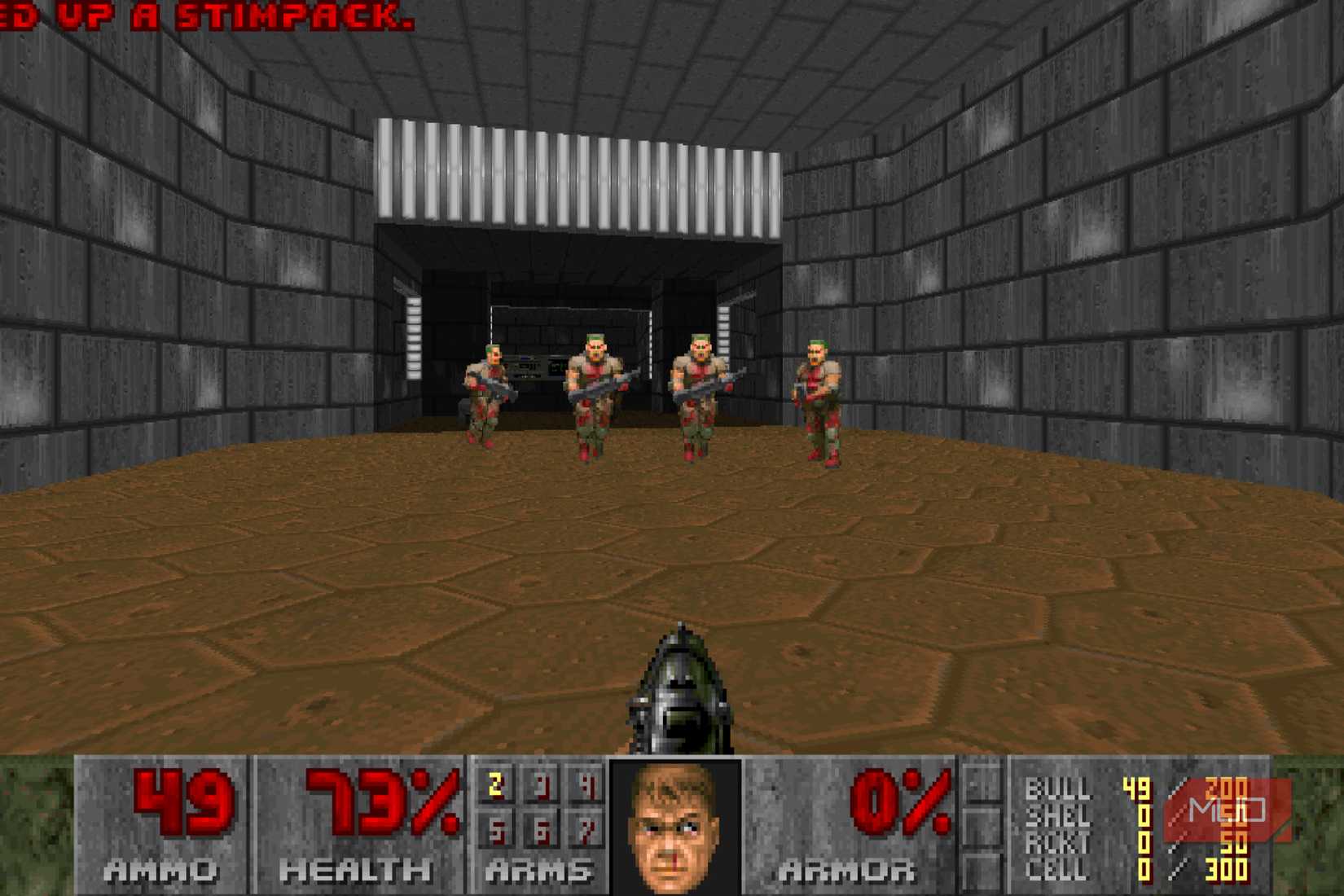
Woof! is a source port forked from WinMBF. It’s meant to be a continuation of WinMBF, just enhanced with more “modern” features. WinMBF has been the source code for a variety of DOOM ports, including the previously mentioned DSDA-Doom.
Woof! is naturally a bit less strict in maintaining accuracy to the original source code, but the changes here are meant to be tasteful, with the intent of bringing the game up to speed in the modern era.
This port also supports cheats and mods, and ships binaries for both Windows and Linux.
Chocolate Doom
As vanilla as it gets
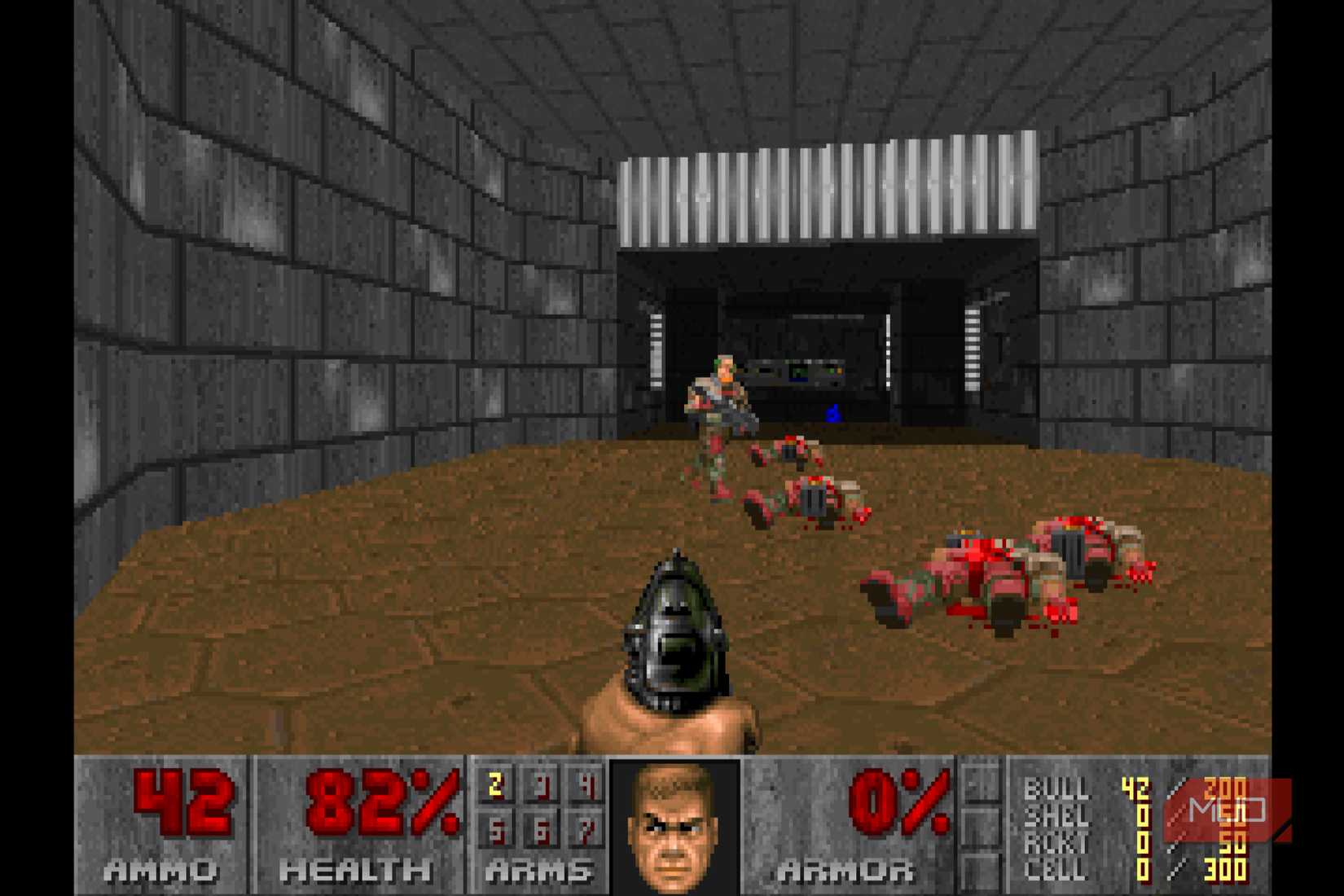
Most of the ports in this list are quite derivative and deviate a lot from the original code of the game. If you’re looking for a more vanilla DOOM experience, there’s nothing quite as good as Chocolate DOOM.
Strange name aside, it’s a pretty decent reimplementation of the original game’s look and feel, and this might be a bit jarring if you’ve only ever played the modded versions like me. That said, there’s a lot to configure in its settings menu, and you can lower the visual fidelity even further than the already clunky-looking sprites.
Chocolate DOOM hosts binaries for Windows on its website — but Linux users must build them from source. For Arch Linux users, the AUR hosts the chocolate-doom package, which can be easily installed using something like Yay or Paru. It barely takes a minute and is much easier than switching back to Windows 11.
Nightdive’s 2024 port of DOOM + DOOM II
The default Steam version isn’t the best
The easiest way to get out and play DOOM on modern PCs would be through Steam, and Nightdive Studios’ surprisingly okay port of both DOOM and DOOM II. This version also bundles all the DLC, so you don’t have to go downloading that separately.
Nightdive Studios built this on top of the KEX Engine, and some things are weird when you’ve spent years adjusting to skewed DOOM controls. For starters, the game uses the arrow keys instead of WASD, and some of the movement feels clunkier.
While I personally would rather play something like UZDoom for the nice QoL touches, the Steam version of DOOM crucially comes bundled with the WAD files you’ll need to otherwise copy over to most of these ports.
It’s a very respectable port that supports mods; it’s just that it doesn’t make sense to use it when better alternatives exist.
DOOM doesn’t limit itself to one platform
Of course, this is far from the only way to play DOOM, and a plethora of ports make their own subtle changes. There are also mods, some of which can be very transformative, pushing the game engine to its limits.
There’s just something satisfying about being able to port the game to a variety of “unsupported” platforms. Having so many “ports” does make things confusing, though, but there really is no correct way to play DOOM.
The original formula has aged a little, which is why something like UZDoom will feel more modern and easier to control compared to something like Chocolate Doom. Still, there is some joy to be had in playing DOOM the old school way. More options are always a good thing, after all.
Story via Makeuseof. Read the original article