





























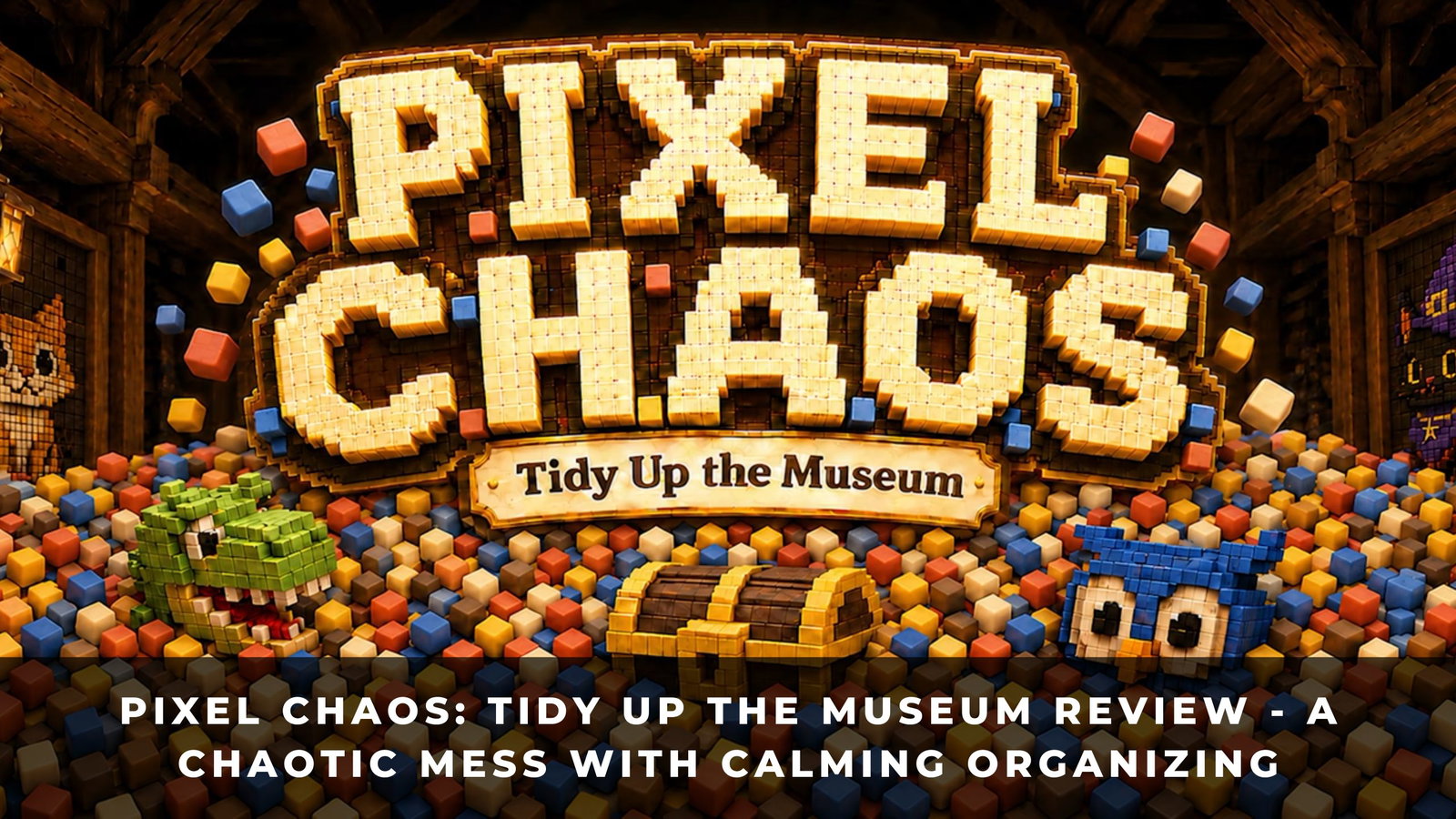
I have to confess, I almost passed over Pixel Chaos: Tidy Up the Museum. It wasn’t that I didn’t think it looked like a good game, but I was either busy with other games at the time, or I was a bit put-off by the fact that it was all pixel cubes you sort and it looked a bit challenging.
However, when I had the opportunity to try out Pixel Chaos, I decided why not? I love pixel art. And actually, I’m really glad I did, because I really enjoyed playing this one. This review explains why.
Pixel Chaos: Tidy Up the Museum is available on Steam for $5.39.
Story – A Messy Museum
There isn’t really a story to Pixel Chaos. In fact, I don’t think there’s a story at all, but that’s okay. Not all cozy organizing games have a story to back them up. Usually the focus is more on the gameplay, as is the case with Pixel Chaos.
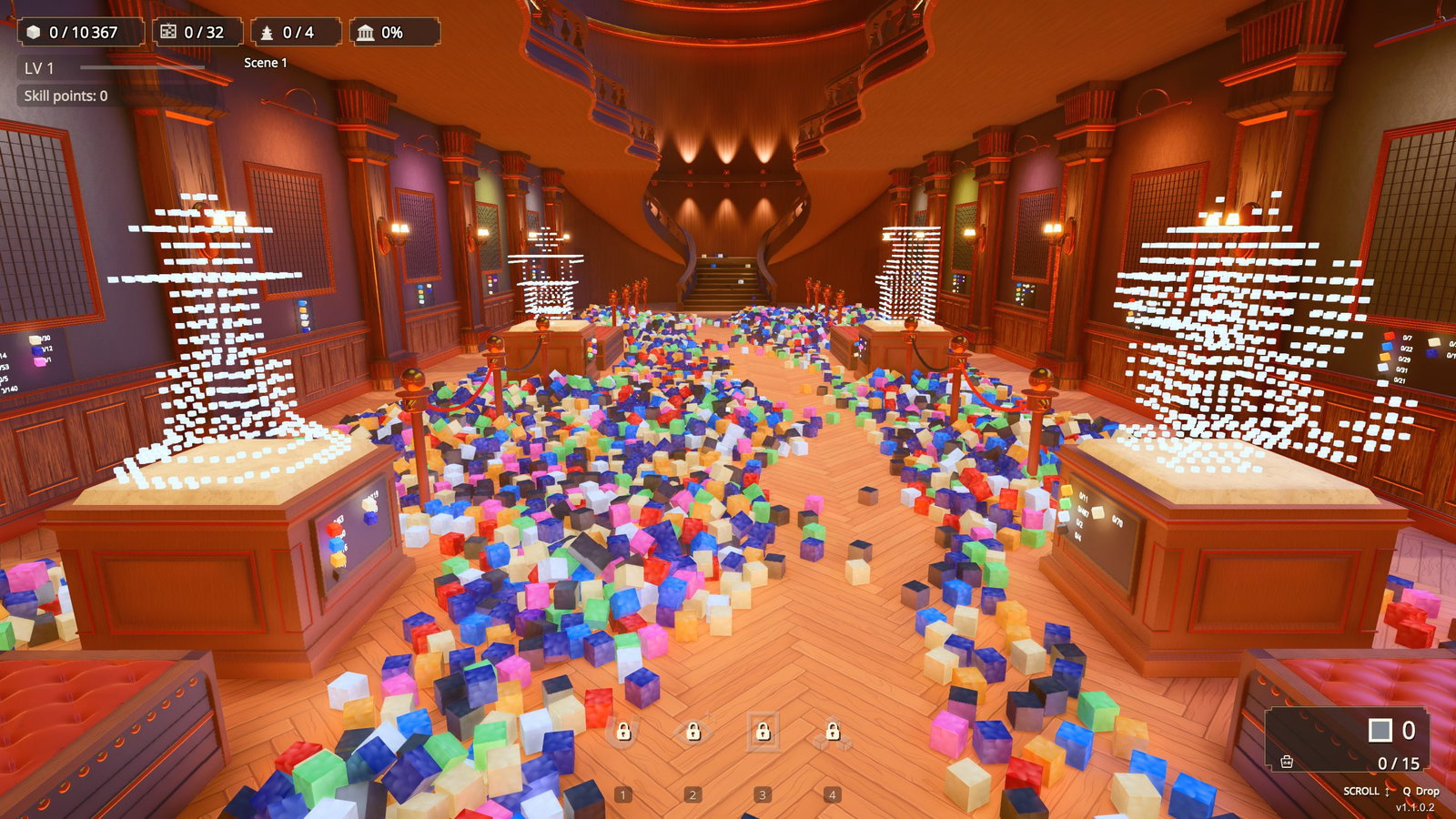
There’s a museum, and it’s a mess. That’s it.
Gameplay – Restoring Art Pixel-by-Pixel
The goal of Pixel Chaos: Tidy Up the Museum is to restore all the artwork in the museum by returning all of the colored pixels to each piece. It’s a classic cozy organizing tidy up game set in a museum with works of art in pixel – or cube – form.
Lots of Paintings and Sculptures, Even More Pixel Cubes
In each museum, there are 32 paintings, plus 4 or 6 sculptures that need restoring. All of these are made up of pixels, or cubes, in different colors. These cubes are scattered all across the floor. Your task is to sort through the cubes and place them accordingly onto each of the paintings and sculptures.
The Artwork Collection
All the paintings and sculptures start off as blank canvases, waiting to be filled in. There’s no way to preview the picture, but you are given its name. You may recognize some of the more famous paintings, such as Mona Lisa and Starry Night, but in pixel form.
Not knowing what the artworks look like gets you intrigued to piece them back together and complete them. You can play Pixel Chaos anyway you want: you can restore the paintings one-by-one, or do it by pixel color. There’s no rules.
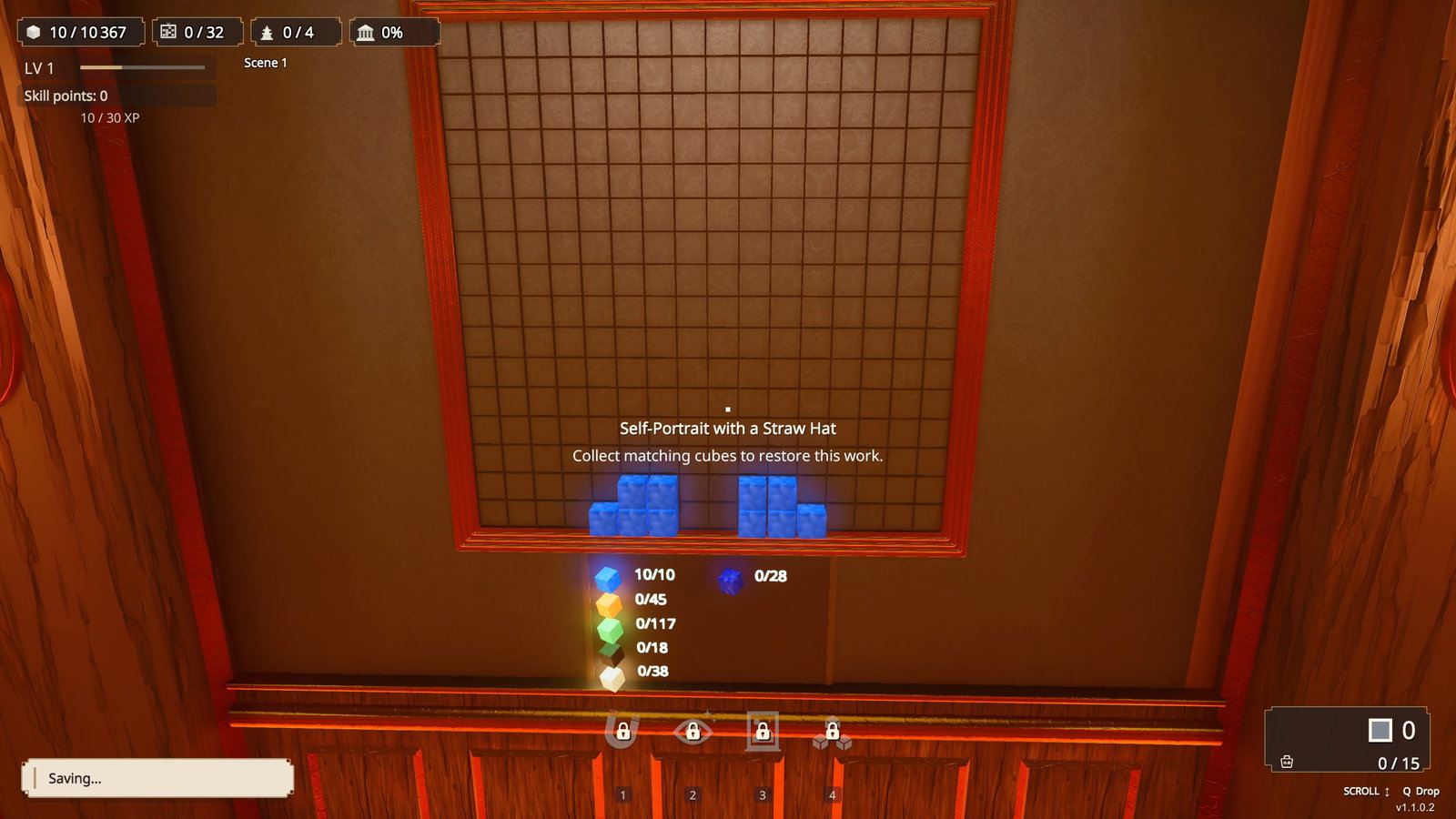
You get the name of the artwork, but no preview, enticing you to complete it.
Pixel Color Range
The artworks have naturally been simplified to fit them into pixel format, but this also extends to the colors used. There are various different pixel colors, including red, orange, green, blue, navy, purple, black, cream, pink, and white.
This might not be a very big range, but it makes it a lot easier to sort through the colors when putting together the different works of art. The fact that they’ve not overcomplicated the variety of colors means that you can focus on restoring the artwork. Also, despite the limited color range, it’s a nice collection of artwork.
The amount of pixel colors used for each artwork varies. With the paintings, the amount of pixels in total is the same, but the colored cubes are a different matter. For one artwork, you may only need one or two cubes of one color, but need maybe hundreds of another.
It can take a while sometimes to gather enough cubes to fill a painting, even just for one color, but there are skills to help you with that.
One issue I did have was that the navy and purple pixels looked very similar to each other. I felt that they could have been a little more distinctive to make it easier to see which color I was looking at without directly examining it.
I personally had a lot of fun piecing together the different artwork across the two museums in Pixel Chaos. Watching them come together was very rewarding, especially when I looked back later on how much I had done so far. It felt like a good accomplishment, but it was also relaxing.
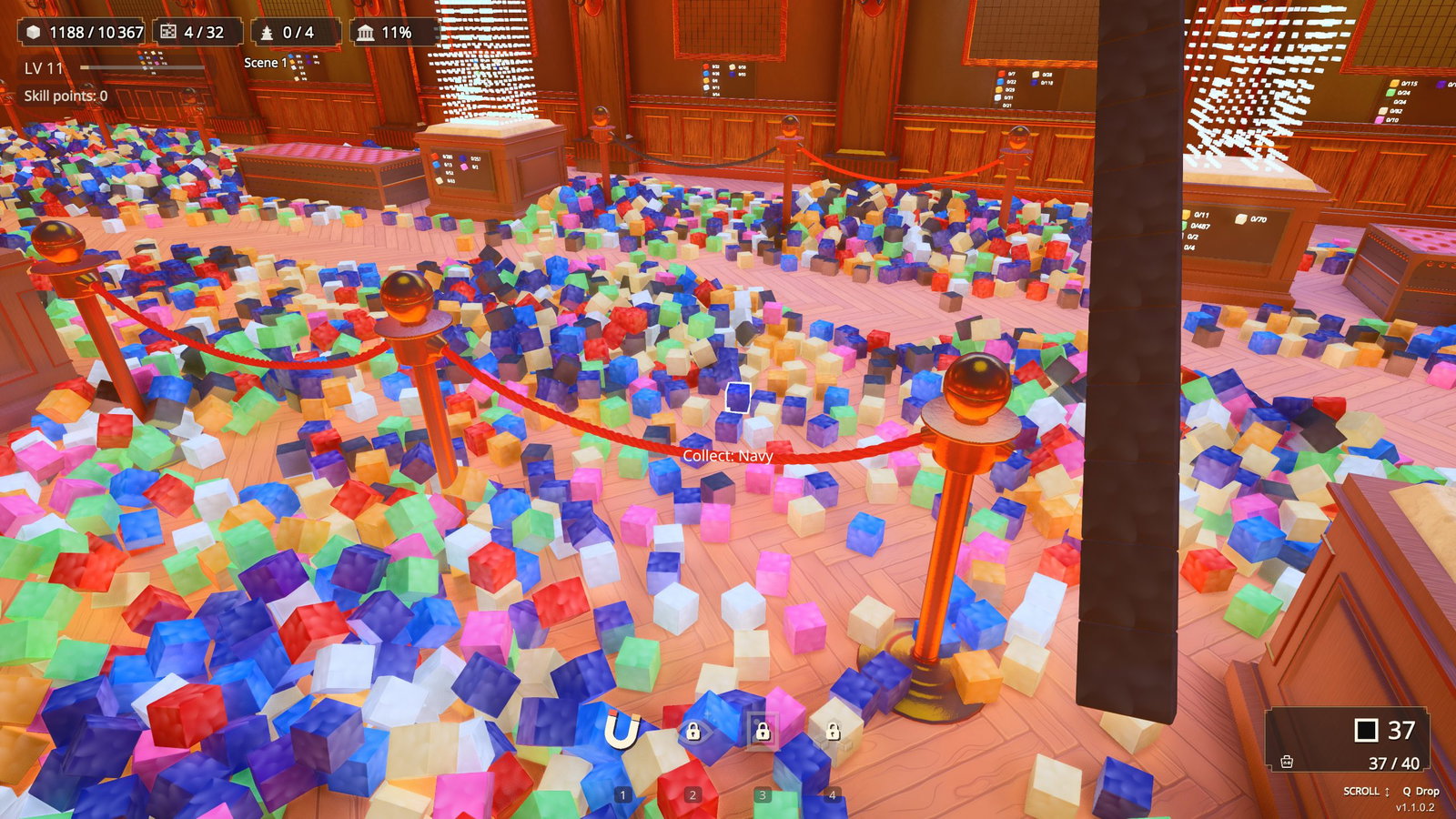
The cubes are very colorful and (mostly) stand out from each other.
One Game, Two Museums
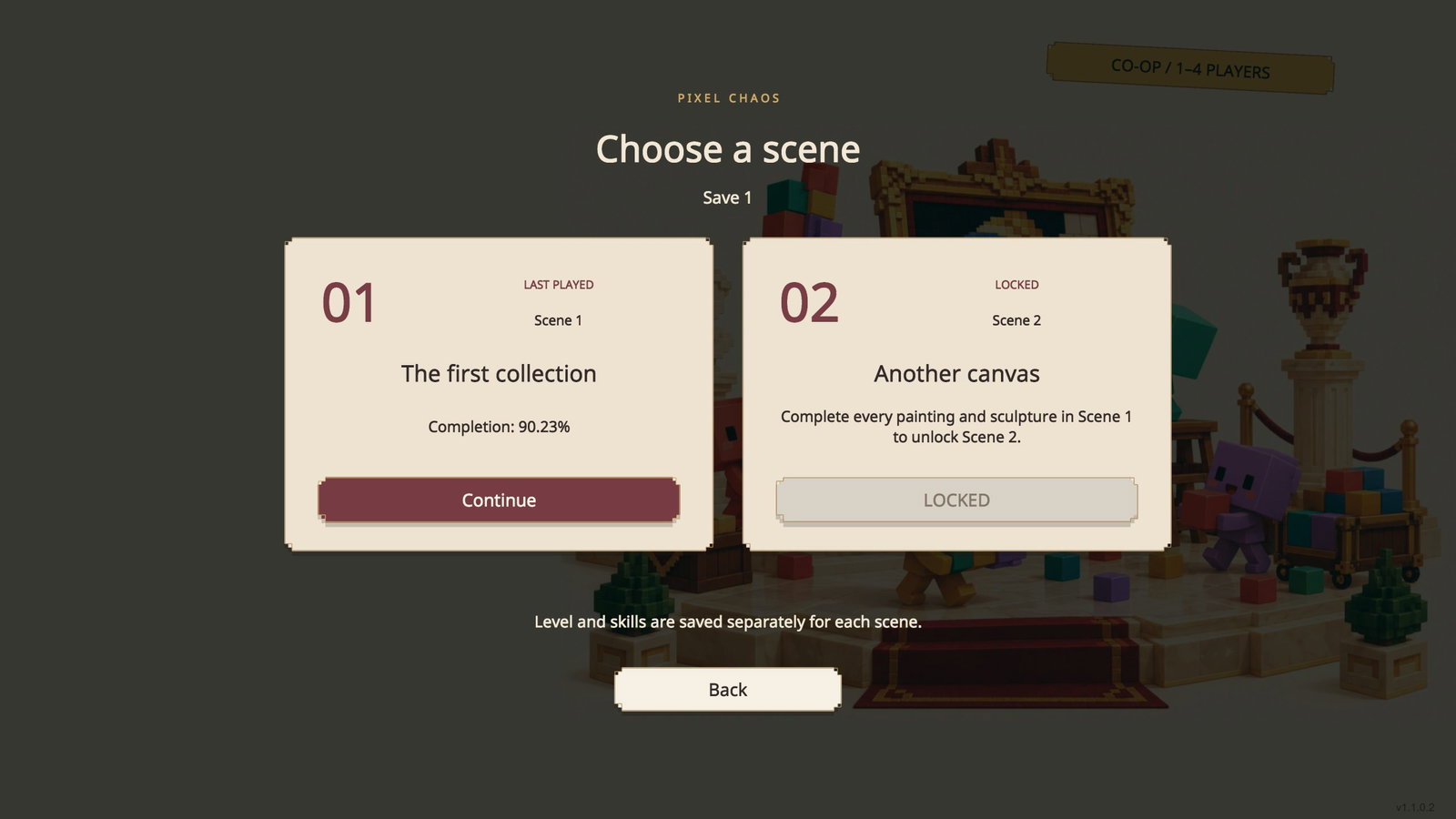
When it first released, there was just the one museum to sort through in Pixel Chaos. However, a later update added a second museum, complete with more artworks to restore. It even topped up the first level, adding an additional two sculptures to work on, and having twice as many pixels to sort.
I was pleased when I found out there was more to do, because I felt that the first museum was over and done with too quickly. I was happy to work on the second and got stuck in straight away, and it didn’t disappoint.
Of the two museums, I think I liked the artwork a little better in the second one, but the first was also good because it contained some sculptures that I liked, as well as some classic paintings from artists such as Van Gogh.
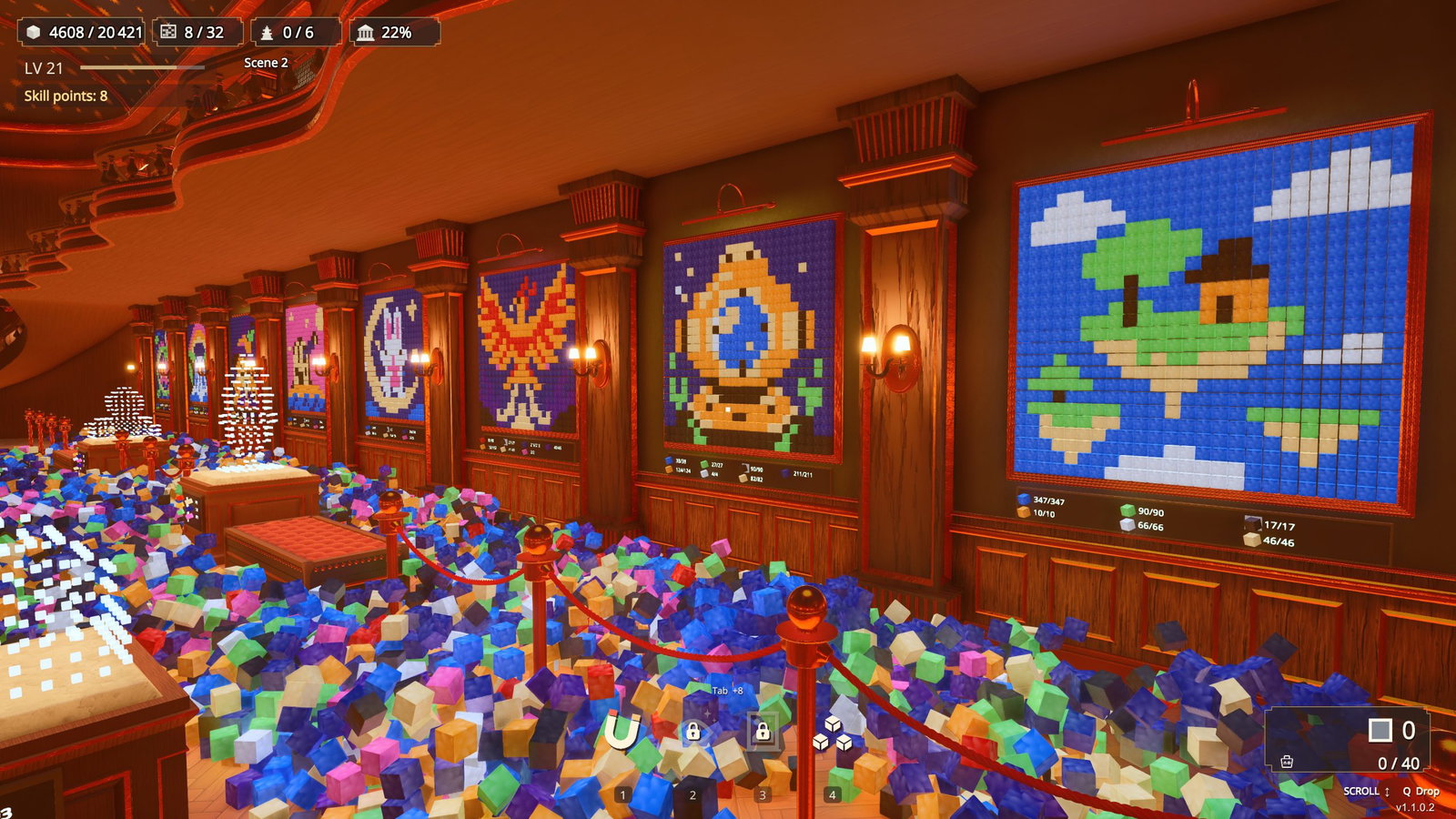
There are two museums to complete. The second has twice as many pixels to sort.
Skills to Help You Out
As per the norm with most cozy organizing games, Pixel Chaos: Tidy Up the Museum has its offering of skills and upgrades to speed up the job at hand, which is appreciated as with over 10,000 pixels in the first museum and over 20,000 in the second, those skills are needed.
Along with the usual skills such as carry capacity, sprint, jump, summon matching pixels, and extended reach, Pixel Chaos has its own unique skills tailored specifically to the setting. These skills allow you to place pixels more quickly, or place them across multiple pieces of art.
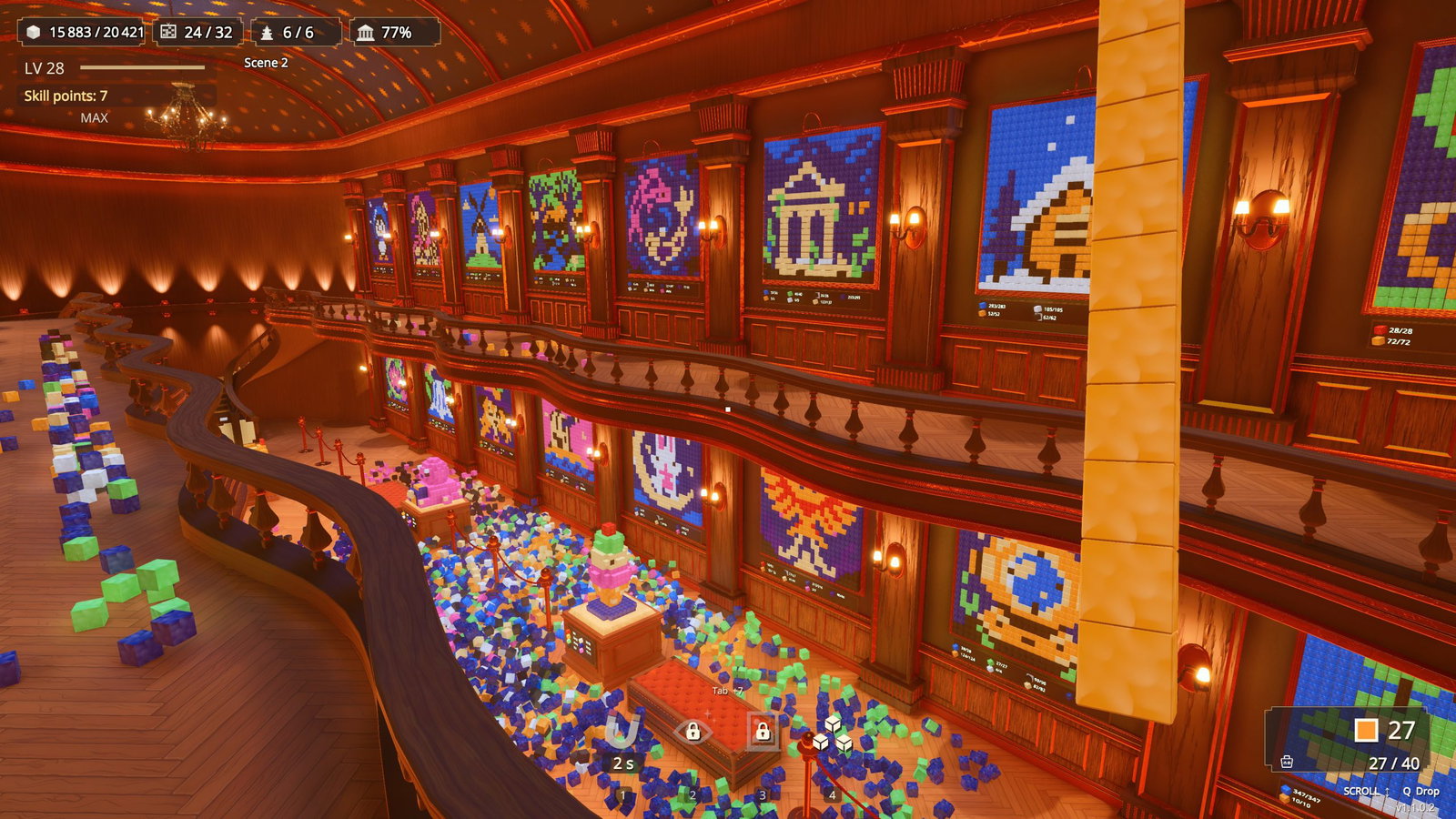
Summoning colors saves you from gathering them yourself.
The skills I utilized the most were carry capacity, summoning pixels, and rapid placement. I enjoy a mixture of play style in cozy organizing; I don’t mind doing it the longer way with manual placement, but I don’t mind using skills if it speeds up the job and makes things a little easier either.
The one thing I would say is that with carry capacity and summoning pixels, I wish the max. limit had been extended a bit more. You can carry up to 40 pixels at a time and summon up to 30. Not bad, but when some artwork requires over 300 pixels of one color, it can take time.
I did also have an issue with the summoning pixels ability. While it was for the most part useful, saving time manually gathering a certain color, sometimes it would summon the entirely wrong color. I’m not sure why this happened, and it didn’t always occur, but it was still a bit frustrating.
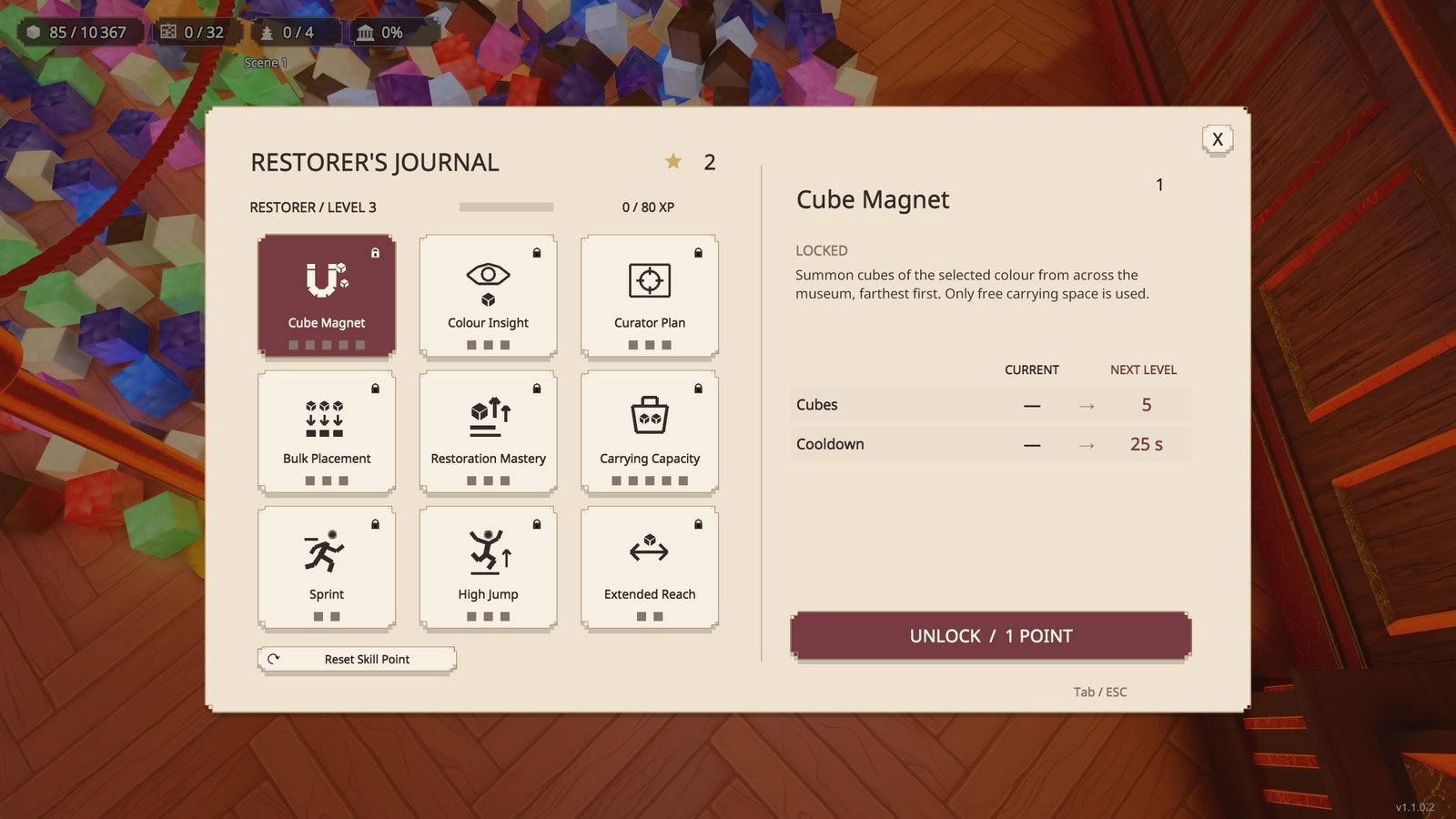
The skills are useful for the most part, but not perfect.
Graphics & Audio – A Museum of Pixel Art
Pixel Chaos: Tidy Up the Museum has adopted a mixture of two styles: 3D pixel art for the paintings and sculptures, but all set in a realistic-looking, wooden-panelled, Victorian-style museum.
At first, I thought this contrasting style was a bit odd, but then I appreciated why it was like this: so the artwork would stand out more. Plus, it would feel more like you were in a real art museum.
When I first saw the preview pictures for Pixel Chaos, I was worried the pixels – or cubes – would look too bland, but actually, they’re not as bad as I feared, having a slight texture to them that doesn’t make them look too flat. They’re also easy to spot across the room or up on the second floor landing.
I’d like to add that the artworks themselves, both the paintings and the sculptures, look wonderful and I enjoyed viewing them after completing them.
I thought the background music fitted Pixel Chaos. It had a sort of futuristic electronic sound to it, very low key and understated, enough to make you feel chilled out without becoming an annoying earworm or distraction. It kind of felt like you were in a museum of the future.
-
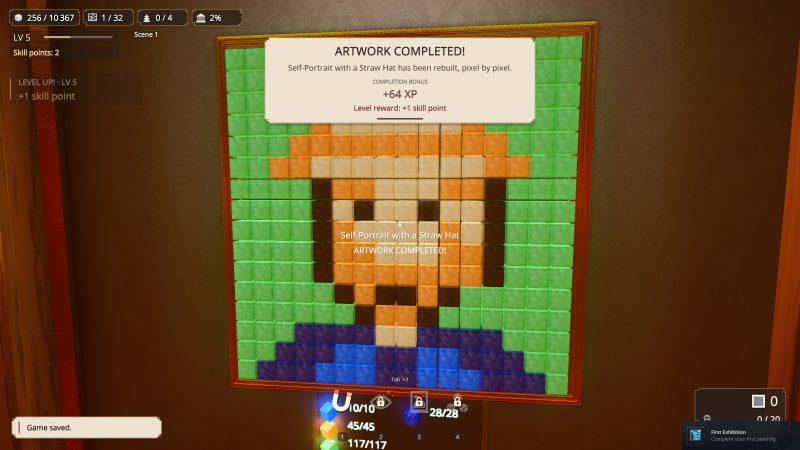
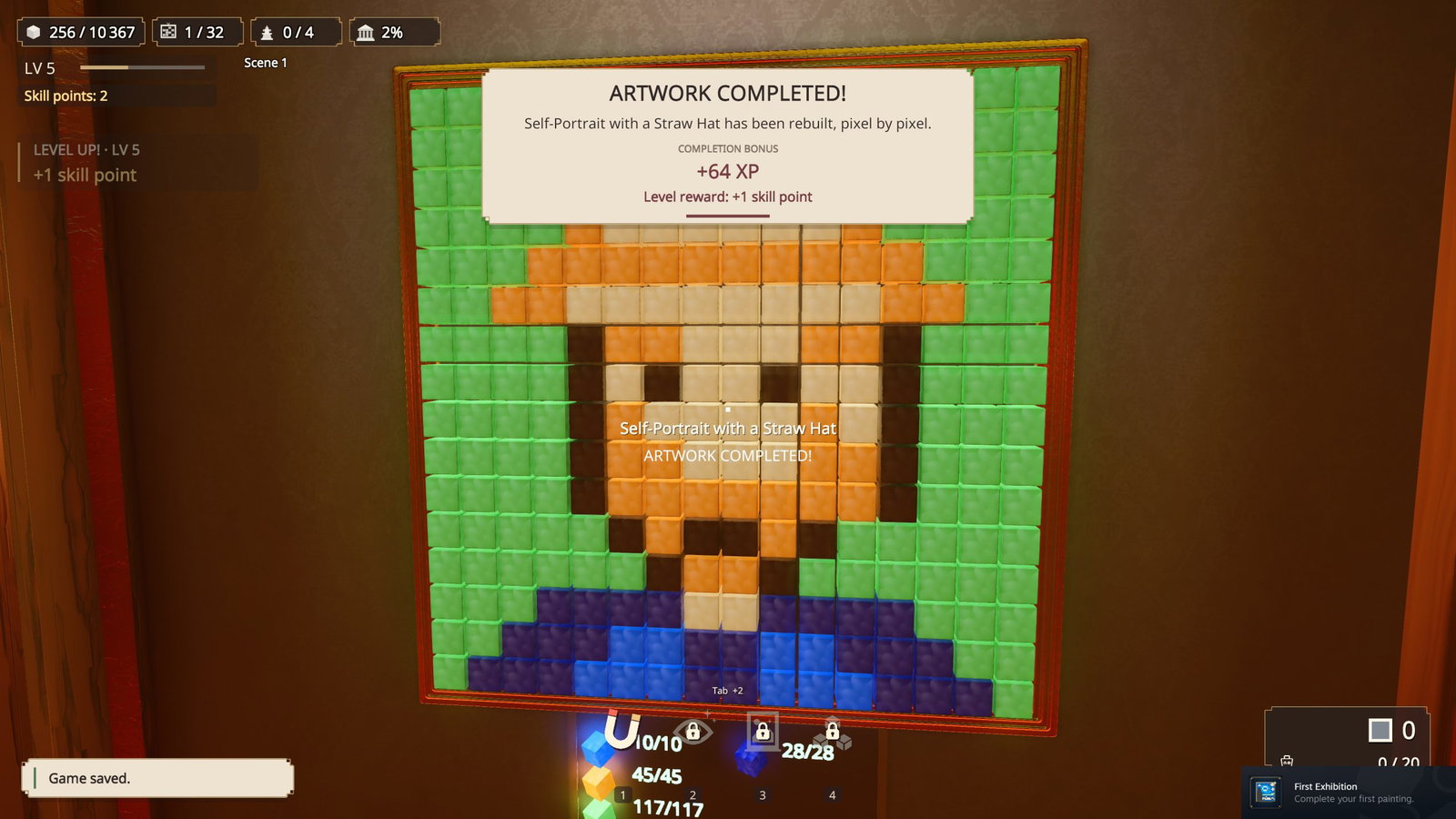
- It’s always a good feeling when an artwork is finished.
-
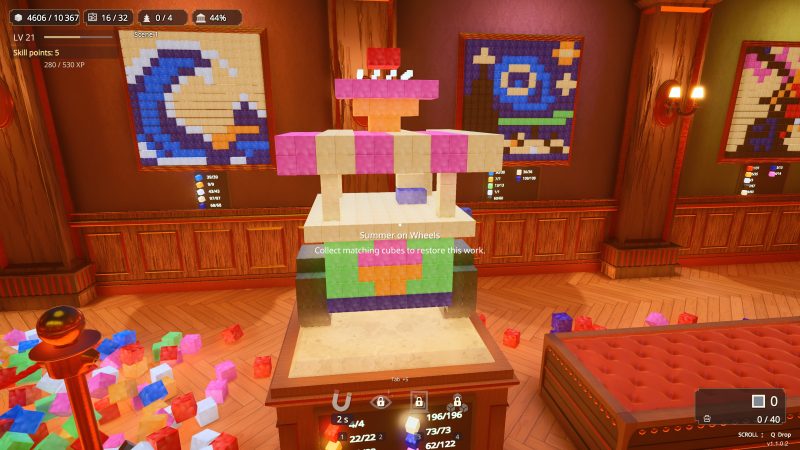
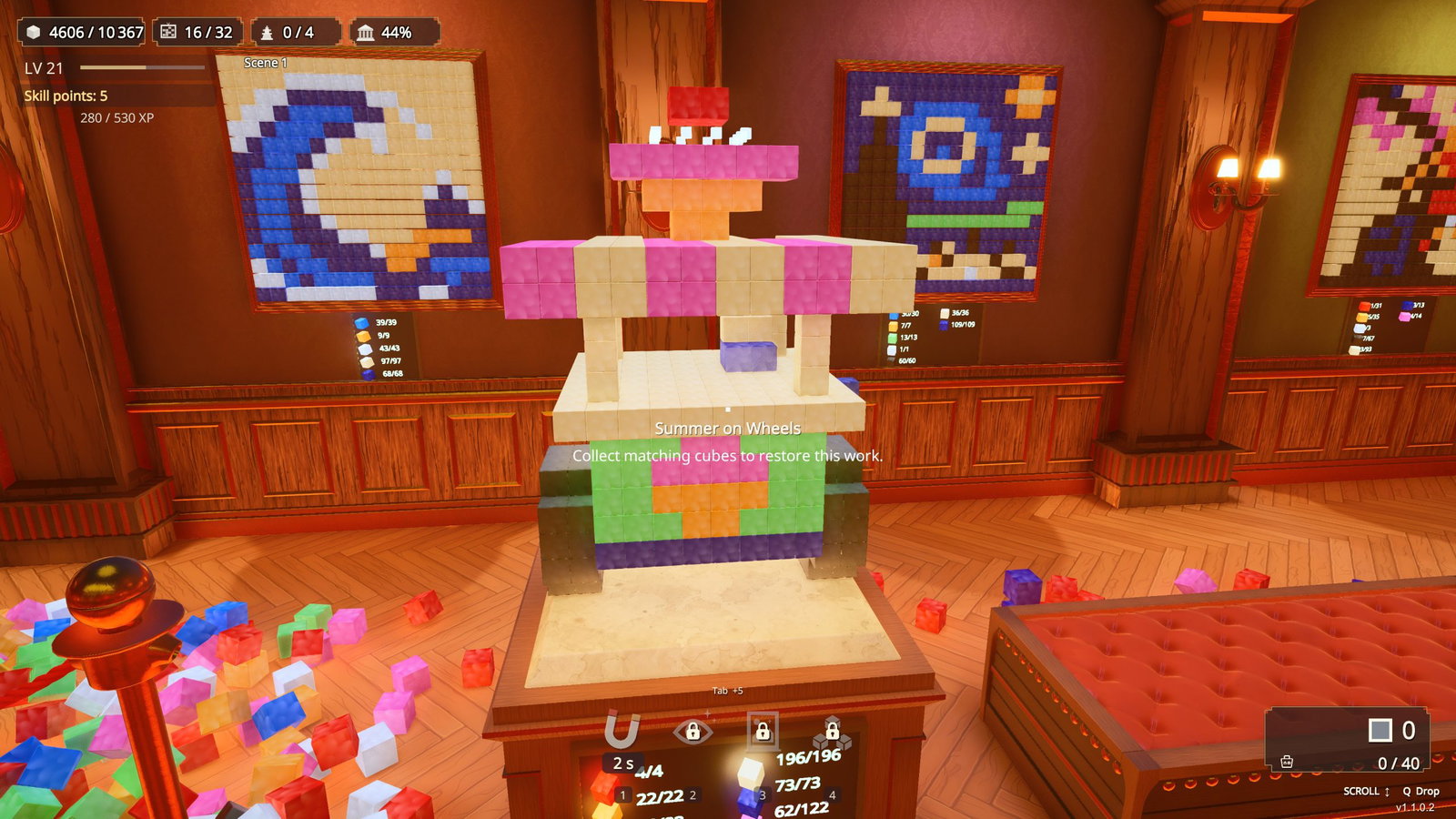
- The sculptures are nicely designed, too. This ice cream cart is one of my favorites.
-
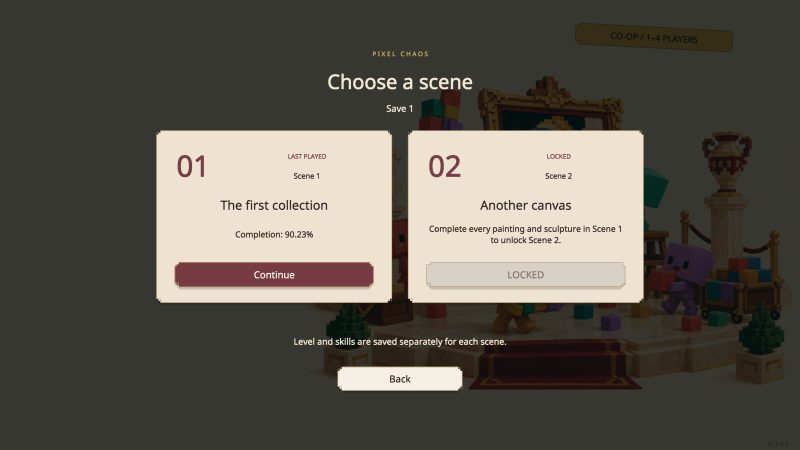
- The second museum can’t be accessed until the first is done.
-
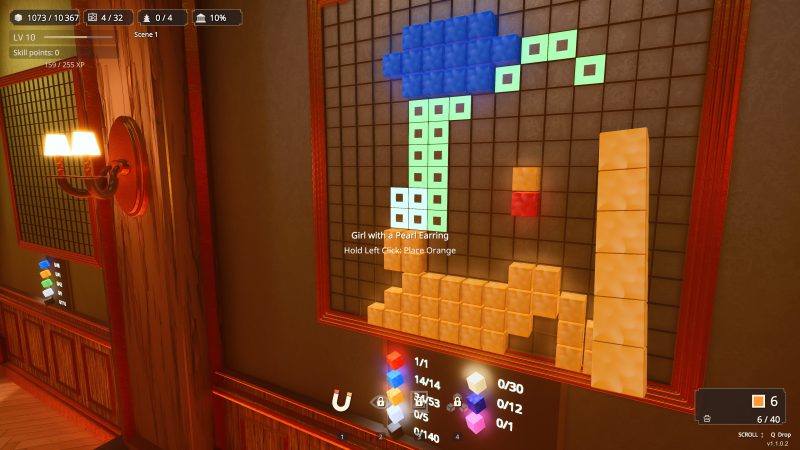
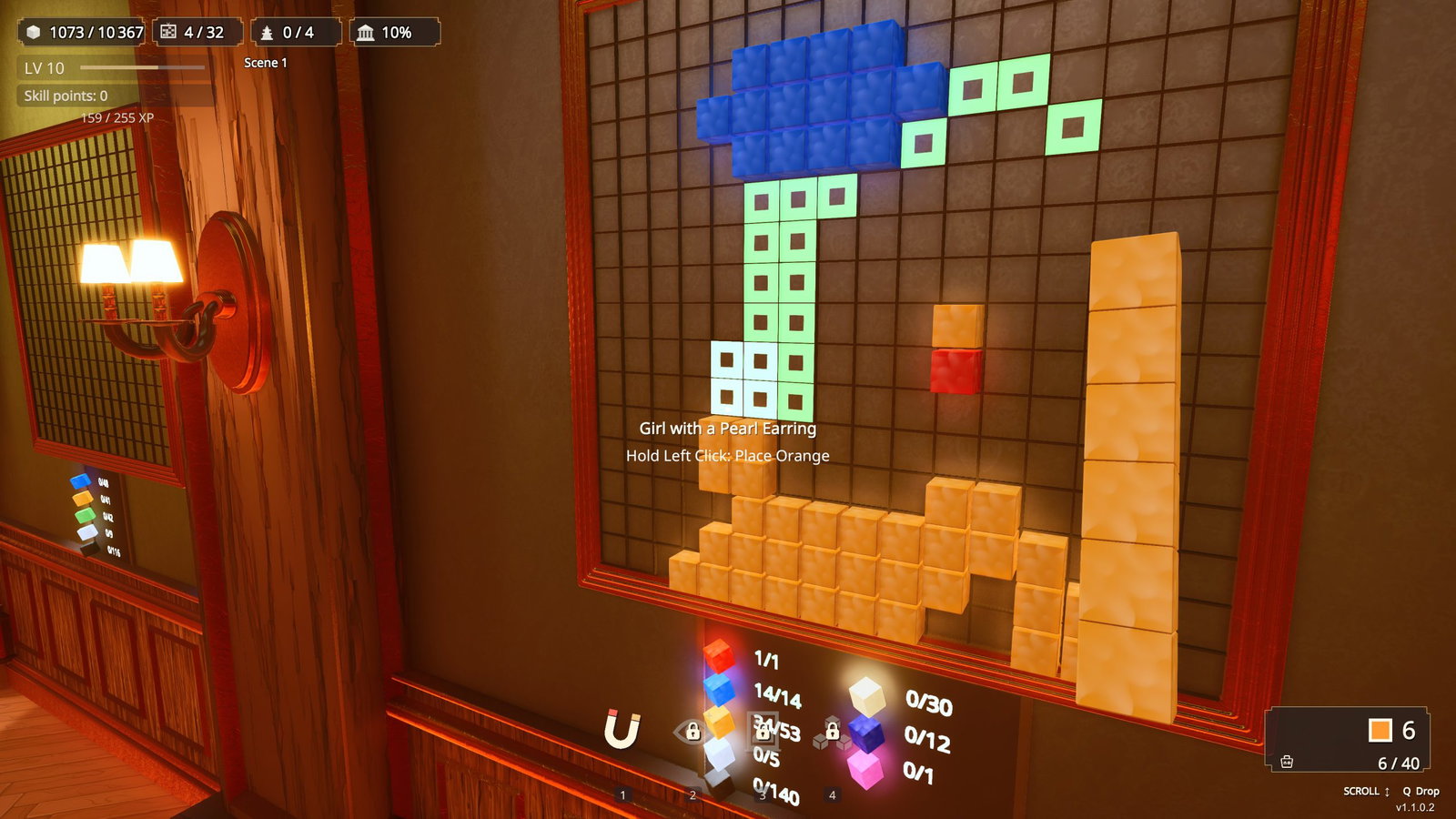
- When holding the correct colored cube at an artwork, a guide shows you where they go.
A key for Pixel Chaos: Tidy Up the Museum was kindly provided for this review.
Story via Keengamer. Read the original article