



























After over a decade of waiting, Grand Theft Auto 6 is nearly here. While the game officially releases on November 19, you can now preload it onto your PlayStation or Xbox. If you’re new to this, that means you’ll be able to install the full game on your console’s drive ahead of its release. That way, when the game unlocks in your time zone, you’ll be ready to go.
Since GTA 6 is a massive game—both in popularity and file size—we highly recommend preloading it, if you can. Here’s how to start your install and how long it will take to download.
When Can You Start Preloading GTA 6?
Grand Theft Auto 6 preload times vary by gaming platform. On Xbox, preloads for digital versions went live at 12 a.m. GMT on November 10 for Series X and Series S, which translates to 7 p.m. EST / 6 p.m. CST / 5 p.m. MST / 4 p.m. PT on Monday, November 9. For PlayStation 5 and PS5 Pro owners, preloading started on Tuesday, November 10 at midnight local time.
If you ordered a physical copy of GTA 6, games will begin arriving at retailers and shipping to buyers on November 12. You can use the code in your box to preload your copy of the game.
How Big Is the GTA 6 File Size?
The main reason we suggest preloading this single-player game is because of its massive file size. Rockstar Games announced that GTA 6 will be 212 GB once downloaded. That could take up a significant portion of your SSD on any console, but you’ll need to be especially careful if you plan to play on the original Xbox Series S, which has just 512GB of internal storage.
How to Preload GTA 6 on PlayStation 5 and PS5 Pro
If you’ve preordered Grand Theft Auto 6, you can preload the game by going to the PlayStation Store, navigating to your preordered copy of GTA 6, and selecting Preload or Download.
You can also set up your PlayStation 5 to automatically download the game file. Set this up by going to Game Library, selecting the pre-ordered game, and making sure Auto-Download is enabled. Make sure you leave your PS5 os PS5 Pro powered on or in Rest Mode for it to work.
How to Preload GTA 6 on Xbox
If you’ve preordered GTA 6 on Xbox, you can begin downloading the game now by going to the Microsoft Store, searching for Grand Theft Auto 6, and selecting Install.
To enable pre-downloads, head to Profile & system > Settings > System > Updates and make sure Keep My Games & Apps Up to Date is enabled for automatic updates. Your Xbox must be powered on or in Sleep mode for this to work.
How Long Will GTA 6 Take to Download?
Is it actually worth preloading your game before the actual release date? For a game this popular that takes up 212GB on your console’s storage, it’s smart to get a head start so you’re not stuck waiting on launch day. That said, exactly how long it will take to preload depends on a variety of factors, but there’s a quick-and-dirty way to estimate.
Recommended by Our Editors


Typically, we can determine download time by taking the file size (converted into bits) and dividing it by the speed of your internet. For instance, my 1GB FiOS connection should take about 28 minutes to download. Meanwhile, someone on a 300 Mbps plan might need over an hour and a half to install the same file.
However, this doesn’t account for real-world factors such as network congestion and location, so think of it as more of a ballpark estimate. You’re better off preloading as soon as possible, so no matter how long it takes, it’ll be loaded day before November 19 rolls around.
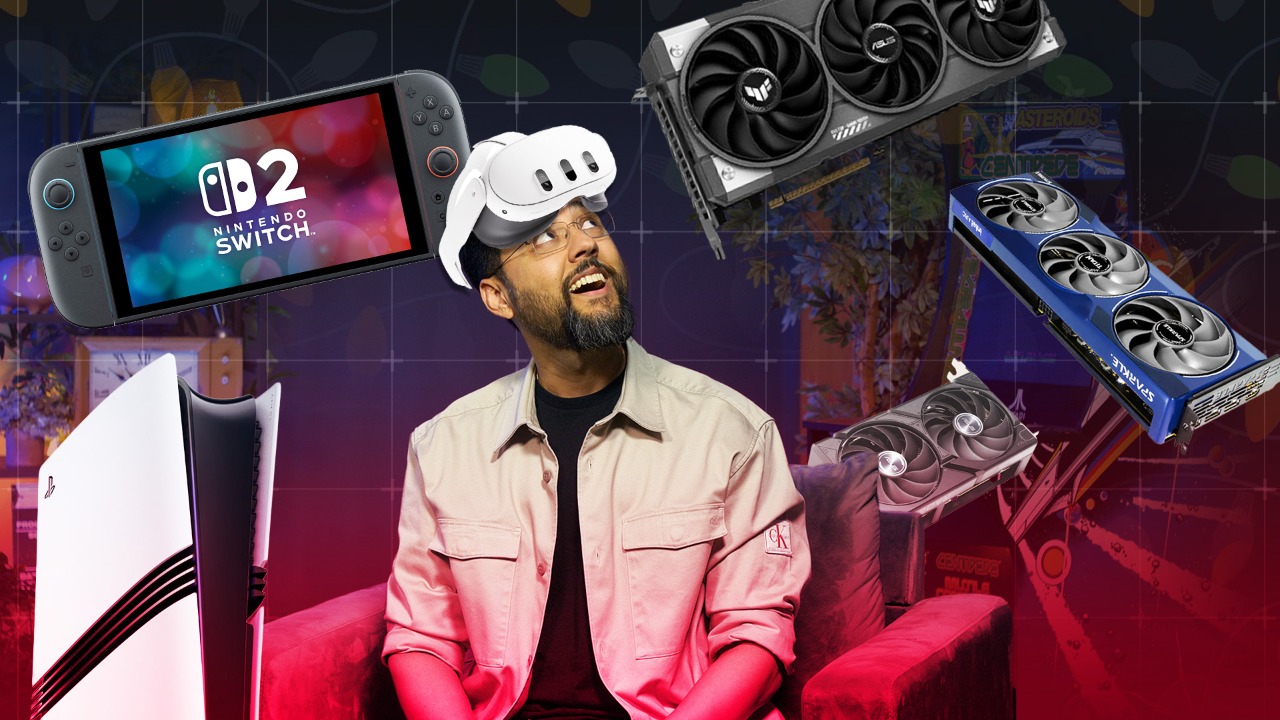

Got Game? Get Set for GTA 6 and More With Our Holiday Office Hours from the Labs
Can You Still Preorder GTA 6?
Preorders began back in June, but you can still preorder Grand Theft Auto 6 so you can get started on preloading the game. You’ll have to decide which version of the game you want to buy—the $80 Standard Edition or the $100 Ultimate Edition. Don’t worry, if you opt for the Standard Edition, you can always upgrade later.
Here’s where you can preorder GTA 6:
-
Amazon:
-
PlayStation Store:
-
Walmart:
-
Xbox Store:
About Our Expert

Jason Cohen
Senior Editor
Experience
As PCMag’s editor of how to content, I have to cover a wide variety of topics and also make our stories accessible to everyday users. Considering my history as a technical writer, copywriter, and all-around freelancer covering baseball, comics, and more at various outlets, I am used to making myself into an expert.
I believe tech corporations are bad, but you might as well know how to use technology in everyday life. Want more how to content delivered right to your inbox? Sign up for the tips and tricks newsletter that I curate three times a week.
My job as how-to guru means I use just about every gadget under the sun, so I can figure out how everything works. I work from a Lenovo ThinkPad running Windows 11, but also have a very large Dell Inspiron 17 3000 and Apple silicon MacBook. I have a Google Pixel 6a for personal use and use a Galaxy Z Flip 4 for additional Samsung-related testing. For iOS coverage, an iPhone 13 mini works like a charm, though it’s already becoming a little long in the tooth.
My desktop situation includes a dual monitor setup with a modest Acer monitor. I also use a Logitech vertical mouse (who can use these ThinkPad trackpads) and a Havit keyboard (my first mechanical keyboard; I love it but my wife hates it!). I’m a recent convert from wired headphones; I have Anker Soundcore Liberty Air wireless earbuds for personal use and have taken to the Sennheiser HD 450BT headphones for work.
Whenever I have a second to myself, I’m probably gaming on my Nintendo Switch 2, Steam Deck, or Xbox Series S. I also still have a bunch of classic consoles lying around as well.
Story via Pcmag. Read the original article